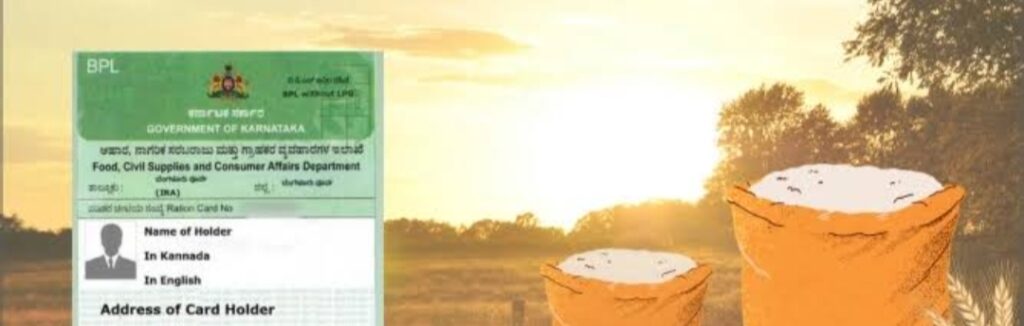
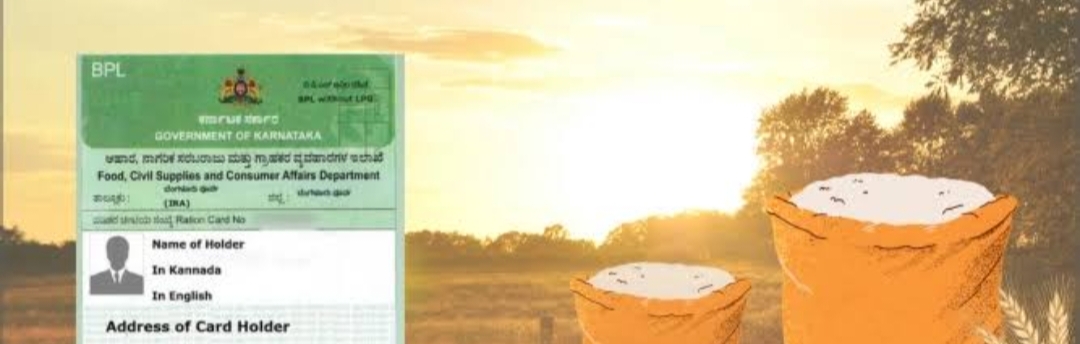
If any information in your ration card (ration card) is wrong or needs to be changed, the Food Department of Karnataka Government has provided an opportunity to make corrections online.
You can make the following key changes:
Name correction and change of head
· Spelling mistakes in names of family members can be corrected.
· The name of the head of the family can be changed when necessary.
Addition or removal of members
· A newly born child or married daughter-in-law can be added to the family.
· The name of a member who has died or married and belongs to another family can be removed.
Change of address and card category
· In case of change of residence, new address can be entered.
· Card can be changed from APL to BPL or to other category based on income.
Photo, Biometric and e-KYC update
· Member photo can be changed or updated.
· Biometric information and e-KYC can be updated.
Required documents
Depending on the type of amendment you are making, the documents required are:
· General Documents: All corrections require member’s Aadhaar card copy, along with your existing ration card and registered mobile number.
· For enrollment of new members: Aadhaar card for above 6 years. Birth certificate for children below 6 years.
· For name removal: Death certificate is mandatory for deceased members.
· For change of address: Copy of electricity bill or house agreement is required as proof of new address. You must provide the RR Number in the electricity bill.
Procedures for submitting amendment application
You can apply for amendment in two ways:
- Through Online:
· Visit Official Website: ahara.karnataka.gov.in or https://sevasindhu.karnataka.gov.in/.
· Process: In the ‘E-Services’ section, select the option “Amendments to Existing Ration Card”. Enter your ration card number, make changes and scan and upload documents.Keep the acknowledgment number safe after submitting the application. - Through Offline (Service Centers):
· Visit your nearest Grama One, Karnataka One, Bangalore One or CSC centers.
· Go with the necessary documents and apply online with the help of the staff there. Generally these centers operate from 10 am to 5 pm.
Application status check
How to check your application status:
- Visit the official website ahara.karnataka.gov.in.
- Select ‘E-Status’ under ‘E-Services’.
- Then click on ‘Amendment Request Status’ or ‘New/Existing Ration Card Status’ link.
- Enter your ration card number and application acknowledgment number.
- After clicking ‘Go’ or ‘Submit’ your application status will be shown.
How to apply for new ration card?
As of now there is no official announcement to apply for new ration card. Department invites fresh applications from time to time. Newly married couples, nuclear families and immigrants from other states are eligible to apply for the new card. When the new application process starts, the link will be activated on the ahara.karnataka.gov.in or sevasindhu.karnataka.gov.in portals.
For more information or problems, you can contact Food Department helpline number 1967 or 1800-425-9339.
Keep in mind that updating the information on your ration card will help you avail the benefits of various government schemes.