Sunday, 29 November 2026 — KPSC Karnataka

KPSC Karnataka

Education

BREAKING NEWS
JOB NEWS Karnataka Agriculture Department Recruitment 2026 – Latest Update NEWS PAPER All Newspaper Cutting 29/11/2026 JOB NEWS Sainik School Recruitment 2026: Applications Invited for Teaching and Non-Teaching Posts JOB NEWS RITES Recruitment 2026: Apply for 20 Assistant Manager Posts JOB NEWS Karnataka School Education Department Lecturer Recruitment 2026 – Apply for 814 Posts NEWS PAPER All Newspaper Cutting 28/11/2026 NET/SLET/KSET UGC NET December 2026 Exam City Intimation Slip Released: Check Download Steps and Exam Dates IAS/KAS KPSC KAS Official Cut-Off List 2026 Released – Check Category-Wise Marks JOB NEWS Karnataka Agriculture Department Recruitment 2026 – Latest Update NEWS PAPER All Newspaper Cutting 29/11/2026 JOB NEWS Sainik School Recruitment 2026: Applications Invited for Teaching and Non-Teaching Posts JOB NEWS RITES Recruitment 2026: Apply for 20 Assistant Manager Posts JOB NEWS Karnataka School Education Department Lecturer Recruitment 2026 – Apply for 814 Posts NEWS PAPER All Newspaper Cutting 28/11/2026 NET/SLET/KSET UGC NET December 2026 Exam City Intimation Slip Released: Check Download Steps and Exam Dates IAS/KAS KPSC KAS Official Cut-Off List 2026 Released – Check Category-Wise Marks
RRB

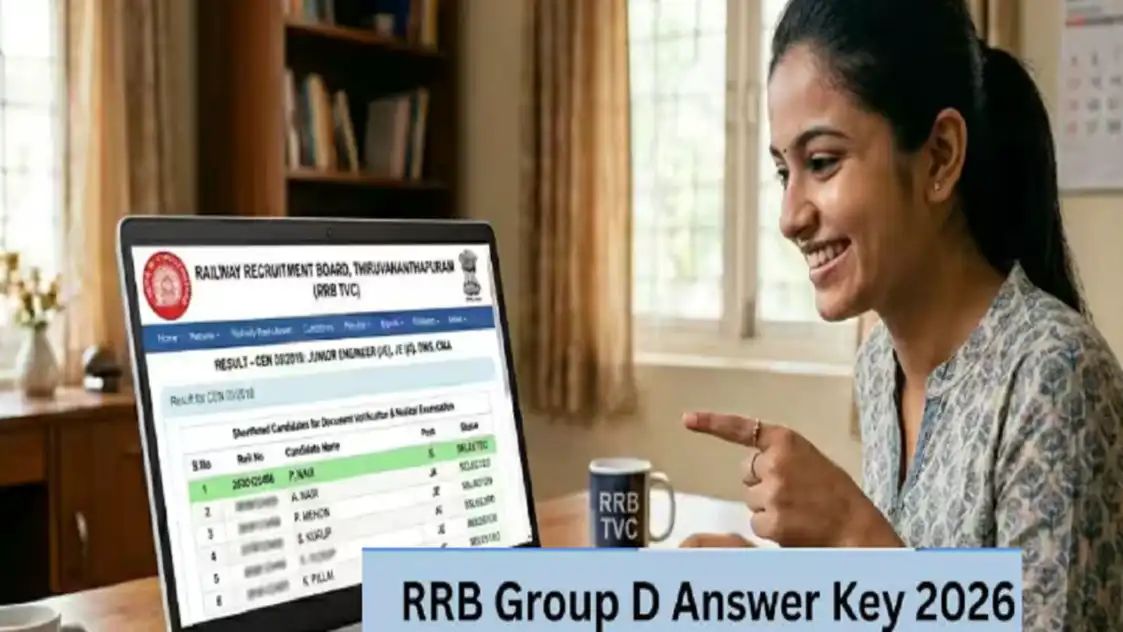
RRB Group D Application Status 2025

Shweta
ವರದಿ: Shweta ಮುಖ್ಯ ಸಂಪಾದಕರು (Chief Editor)
2 ನಿಮಿಷ ಓದು 22 ವೀಕ್ಷಣೆಗಳು

You have shared the correct link to check the status of your RRB Group D application.

Here are the step-by-step instructions to check the status of your application:

Step 1: Visit the website

Go to the link provided by you https://www.rrbapply.gov.in/#/auth/home.

Step 2: Select the “Application Status” option

On the home page, there will be a button or link called “Application Status”. Click on it.

Step 3: Enter your registration details

You may be asked to enter the following details:

· RRB: The RRB you have applied to (e.g. RRC, Centre).

· Registration Number: The unique registration number of your application.

· Date of Birth: Your date of birth (in DD/MM/YYYY format).

Step 4: Click “Submit” or “Login”

After entering all the details, click on the submit button.

Step 5: Check the status of your application

Then, a page will load showing one of the following:

· Accepted: This means your application has been successfully accepted and meets all the criteria.

· Rejected: Your application has been rejected. The reason is usually mentioned next to it (e.g. photo/signature unclear, eligibility not met, documents not correct, etc.).
· Under Scrutiny: Your application is still being reviewed.
ಮುಖ್ಯ ಸಂಪಾದಕರು (Chief Editor) ✍️ 2105 ಲೇಖನಗಳು

Shweta

Shweta ಅವರು ಸಮಕಾಲೀನ ವಿದ್ಯಮಾನಗಳು, ರಾಜ್ಯ ಸುದ್ದಿ ಹಾಗೂ ವಿಶೇಷ ವರದಿಗಳನ್ನು ಬರೆಯುವ ಜವಾಬ್ದಾರಿಯುತ ಲೇಖಕರಾಗಿದ್ದಾರೆ.

Leave a comment