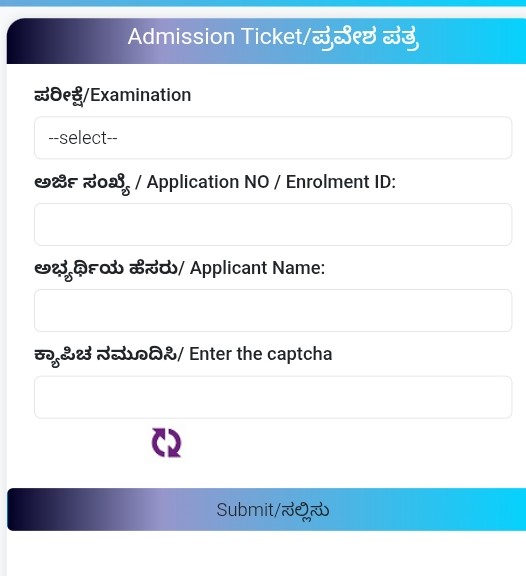
Admit Card Download Steps
- Login: Enter your application number and password (Date of Birth or given during registration).
- Verify: Enter the Captcha code and click ‘Login’.
- Download: You should see an option “Admit Card” / “Hall Ticket” on the dashboard. Click on it and save the PDF.
In case of login issues
· If you forgot your password: Reset it using the “Forgot Password” on the login page.
· Technical issue: Call KEA helpline numbers (080-23460460) or email cetcell@kea.kar.nic.in.
· If the website does not load: Try using a different browser (Chrome/Firefox) or try at a different time.
Important Note
· Carefully check the exam centre, date, time and your photo, signature details on the admit card.
· If there is any mistake, contact KEA immediately.
· Take a printout of the admit card (colour/black and white) and a valid photo ID (Aadhaar, Voter ID) to the examination centre.