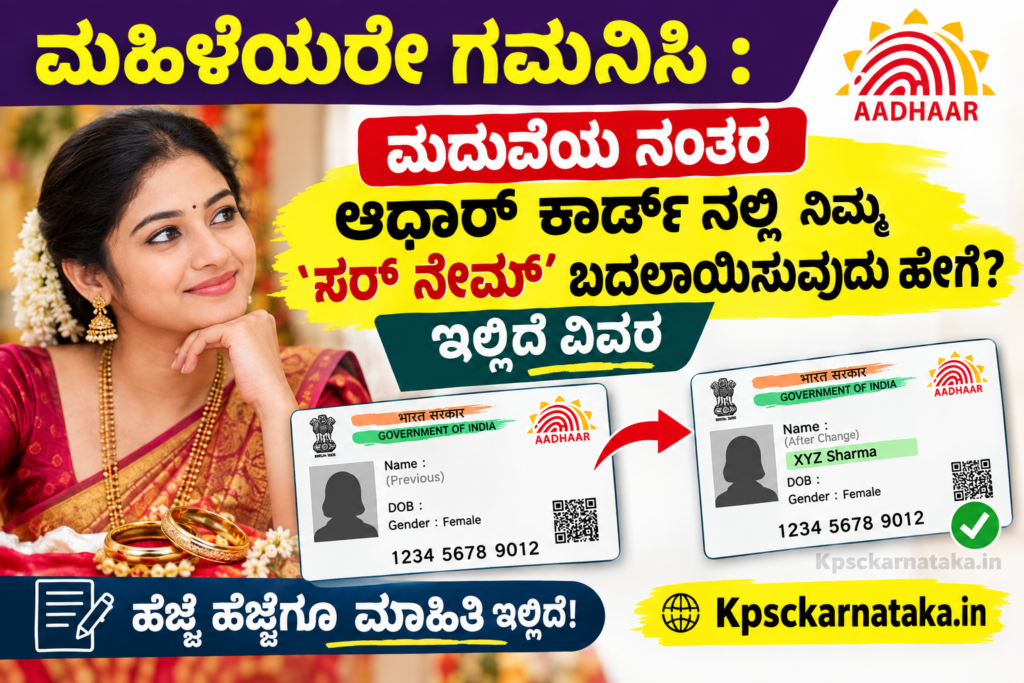
It is common for women to adopt their husband’s surname after marriage. In such cases, if the name is not the same in various documents, it may cause problems in future official work. Therefore, it is necessary to correct the name in the Aadhaar Card as well.
UIDAI has now made it easy for women to change their surname, spelling mistakes or name style after marriage. As per the new guidelines, this process can be easily completed offline as well as online.
Offline Name Update Method
Visit the nearest authorized Aadhaar Seva Kendra and get the Aadhaar Update Form. Fill in the required details clearly in the application and submit the supporting documents to the Seva Kendra officer. After the biometric verification process is completed, the prescribed fee has to be paid. After the process is completed, the receipt issued by the officer will contain the URN (Update Request Number). Using this number, the status of the application can be easily checked online.
Important documents required for name change
One of the prescribed documents is required for identity proof. Marriage certificate with photograph, passport, PAN card, voter ID card, ration card, driving license, NREGA job card, identity card of a recognized educational institution or gazette notification issued by the government can be used. For address proof, family certificate, birth certificate or address proof issued by the postal department can be submitted. Apart from this, one can also request for name change along with the necessary documents to add titles or honorary titles like Doctor, Professor, Justice etc.
Online name update process
To change your name, you can visit the official UIDAI portal from the comfort of your home. Login using the OTP sent to your Aadhaar-linked mobile number and select the name update option. Enter the correct name as amended and upload a clear copy of the relevant documents to complete the process.