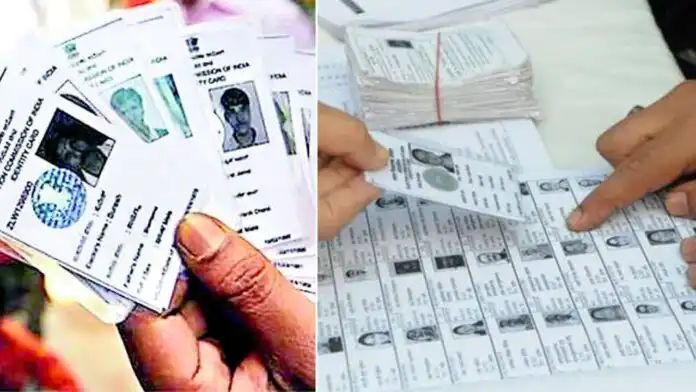
The first doubt that arises in everyone’s mind whenever the time comes, is “Is my name in the voter list or not?” Earlier (Tech News) for this small piece of information, one had to wander to government offices or search for Booth Level Officers (BLOs).
But in the era of Digital India, it is very easy to know your voting status in a few minutes from where you are.
If you have a smartphone, you can check whether your name is in the list through the following three different ways.
Way 1: Online verification through the website
You can follow these steps directly using a computer or mobile browser:
Visit the Election Commission’s website https://www.eci.gov.in/.
On the main page, go to the ‘Election Management’ section, click on ‘Electoral Roll’.
Then click on the ‘Voter Search’ option on the page that opens.
Here you will be able to search in three ways:
Through EPIC: Search by entering your voter ID number.
Through details: Search by entering name, date of birth, father’s name and district.
Through mobile number: Get an OTP by entering the mobile number linked to your voter ID.
Way 2: SMS service even without internet!
Don’t worry if you don’t have internet access. You can get information by sending a simple message from your phone.
Open your mobile’s messaging app.
Type EPIC your voter ID application number.
(For example: EPIC 12345678)
Send this message to the helpline number 1950.
Immediately after sending, your polling booth and voter list details will be available through SMS.
Way 3: ‘Voter Helpline’ mobile app
The Election Commission has introduced the Voter Helpline App for the public.
Download this app from Google Play Store or Apple App Store (or use the link https://www.eci.gov.in/voter-helpline-app).
You can also check your name instantly by opening the app, selecting ‘Search in Electoral Roll’ and scanning the QR code on your voter ID card.